Best series


Best moments
Series details
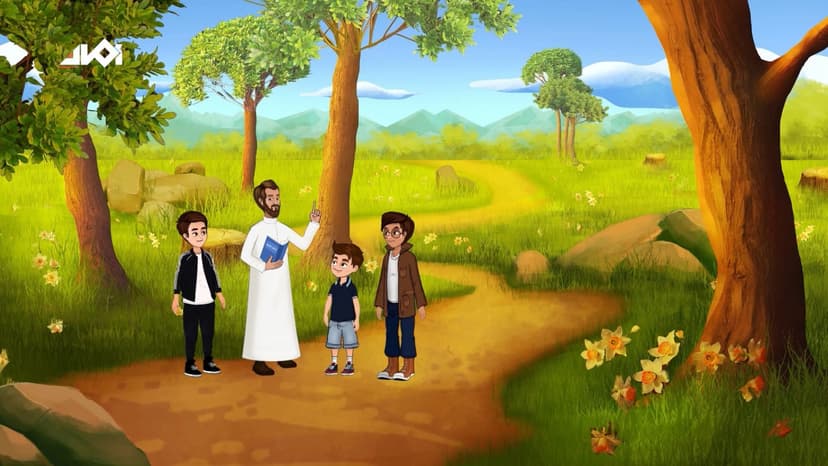
A Journey Through Islam: Exploring the timeless guidance of the Qur’an, the wisdom of the Prophet Muhammad ﷺ, and the values of faith, patience, and gratitude that shape our dail path
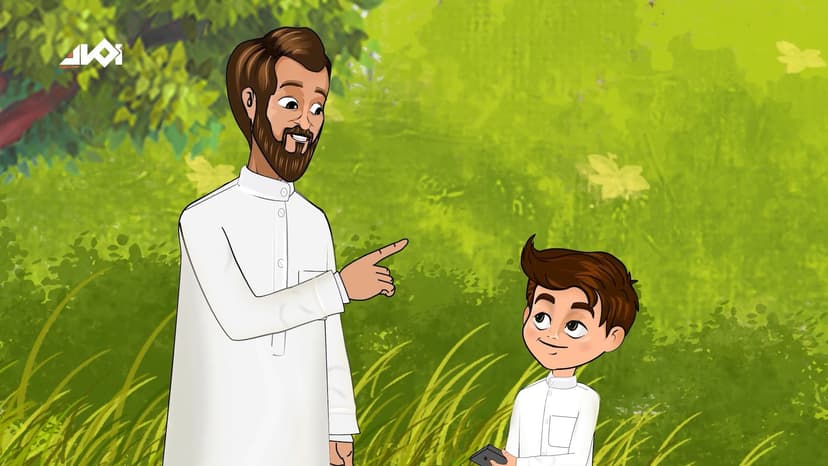
Usama and Ibrahim got new iPads and were super excited to explore fun games.. However, there’s one certain game their dad completely refuses to let Usama download. What's wrong with the game? And will Usama listen to his dad?
Allah is the best Watcher
Usama and Ibrahim got new iPads and were super excited to explore fun games.. However, there’s one certain game their dad completely refuses to let Usama download. What's wrong with the game? And will Usama listen to his dad?
A flower and three Sticks
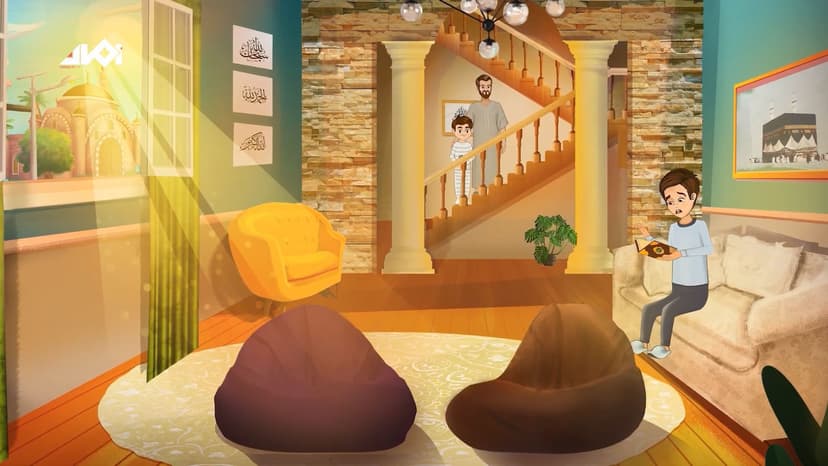
Ibrahim worked really hard, memorized the surahs well, and made du‘a every day for success. Now the Qur’an competition day is finally here! Will all his effort and prayers pay off?
Complete Light
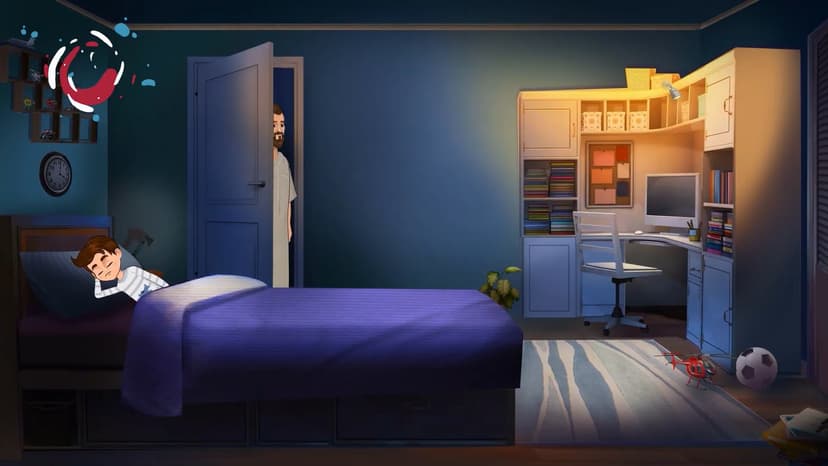
Usama was too lazy to wake up for Fajr, but as soon as it was time for a ride on the Wonder Vehicle, he jumped out of bed full of energy! Later that night, the vehicle stops in a dark place, and everyone feels so scared. Will such a scary experience make Usama rethink what really matters? And how?
The Magic of Charity
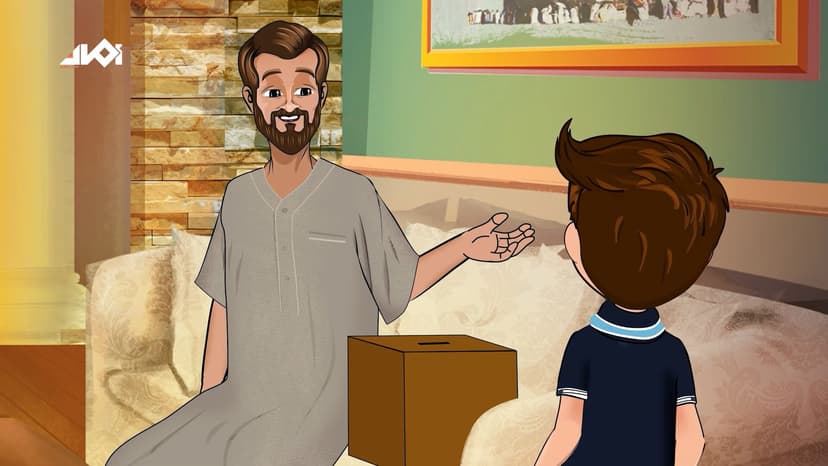
Who doesn’t love sweets?! We all do, but Usama is on another level; he spends all his money on sweets. Yet, when it's time to give Sadaqah, he complains about being broke! What is it that can help Usama spend money wisely and understand how rewarding Sadaqah is?
Two moments of Joy
Usama was thrilled to go out and enjoy a delicious meal in a nearby restaurant with his dad and brother. But, at the last minute, Ibrahim says he’s not coming! "Why would anyone skip such a fun outing?!" Usama wonders, confused, until he finally finds out the reason.
123
FAQs
1
2
When a character is added to Favorites and appears under the Characters section in the Favorites page, the character card does not display the heart (favorite) icon. Since the character is already marked as a favorite, the heart icon should be visible and highlighted to indicate its favorite status and allow users to remove it directly from the Favorites page.When a character is added to Favorites and appears under the Characters section in the Favorites page, the character card does not display the heart (favorite) icon. Since the character is already marked as a favorite, the heart icon should be visible and highlighted to indicate its favorite status and allow users to remove it directly from the Favorites page.When a character is added to Favorites and appears under the Characters section in the Favorites page, the character card does not display the heart (favorite) icon. Since the character is already marked as a favorite, the heart icon should be visible and highlighted to indicate its favorite status and allow users to remove it directly from the Favorites page.When a character is added to Favorites and appears under the Characters section in the Favorites page, the character card does not display the heart (favorite) icon. Since the character is already marked as a favorite, the heart icon should be visible and highlighted to indicate its favorite status and allow users to remove it directly from the Favorites page.When a character is added to Favorites and appears under the Characters section in the Favorites page, the character card does not display the heart (favorite) icon. Since the character is already marked as a favorite, the heart icon should be visible and highlighted to indicate its favorite status and allow users to remove it directly from the Favorites page.When a character is added to Favorites and appears under the Characters section in the Favorites page, the character card does not display the heart (favorite) icon. Since the character is already marked as a favorite, the heart icon should be visible and highlighted to indicate its favorite status and allow users to remove it directly from the Favorites page.When a character is added to Favorites and appears under the Characters section in the Favorites page, the character card does not display the heart (favorite) icon. Since the character is already marked as a favorite, the heart icon should be visible and highlighted to indicate its favorite status and allow users to remove it directly from the Favorites page.When a character is added to Favorites and appears under the Characters section in the Favorites page, the character card does not display the heart (favorite) icon. Since the character is already marked as a favorite, the heart icon should be visible and highlighted to indicate its favorite status and allow users to remove it directly from the Favorites page.When a character is added to Favorites and appears under the Characters section in the Favorites page, the character card does not display the heart (favorite) icon. Since the character is already marked as a favorite, the heart icon should be visible and highlighted to indicate its favorite status and allow users to remove it directly from the Favorites page.When a character is added to Favorites and appears under the Characters section in the Favorites page, the character card does not display the heart (favorite) icon. Since the character is already marked as a favorite, the heart icon should be visible and highlighted to indicate its favorite status and allow users to remove it directly from the Favorites page.When a character is added to Favorites and appears under the Characters section in the Favorites page, the character card does not display the heart (favorite) icon. Since the character is already marked as a favorite, the heart icon should be visible and highlighted to indicate its favorite status and allow users to remove it directly from the Favorites page.